
QA RGBW Light Control
QA RGBW Color Lighting Control: Lighting that creates atmosphere Transform ordinary lighting into a color experience. The application automatically adjusts both intensity and color of lighting according to time of day, movement in the room or TV activation. It wakes you in the morning with bright light, creates a colorful atmosphere in the evening and doesn't glare at night – all including RGBW program support.
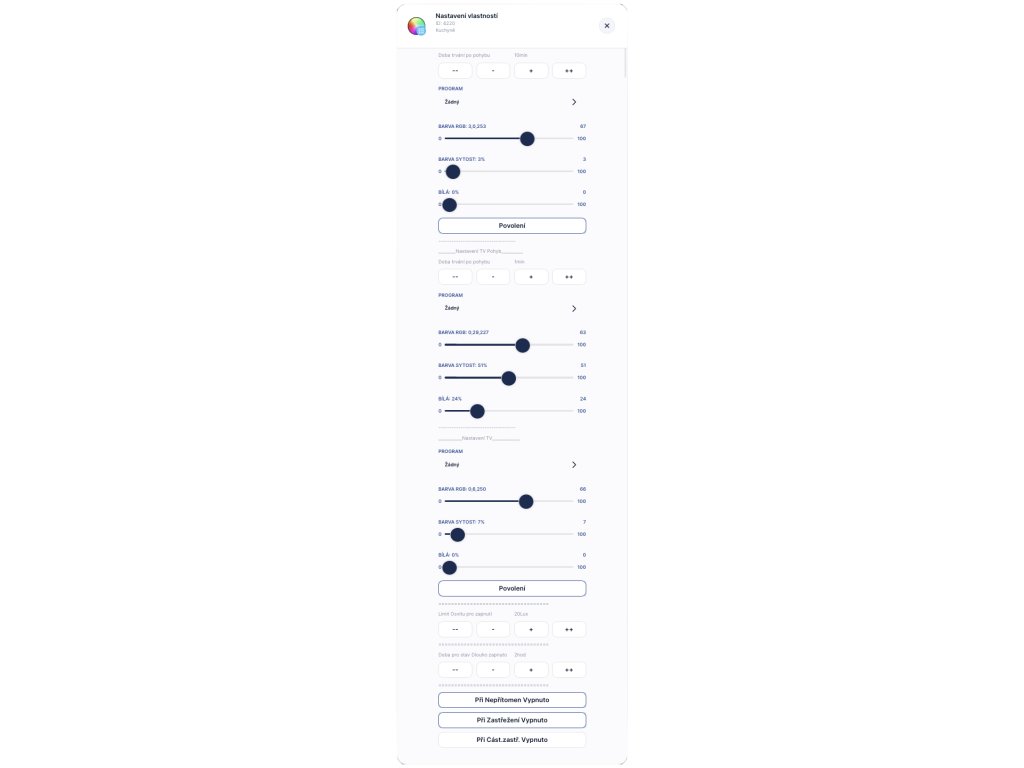
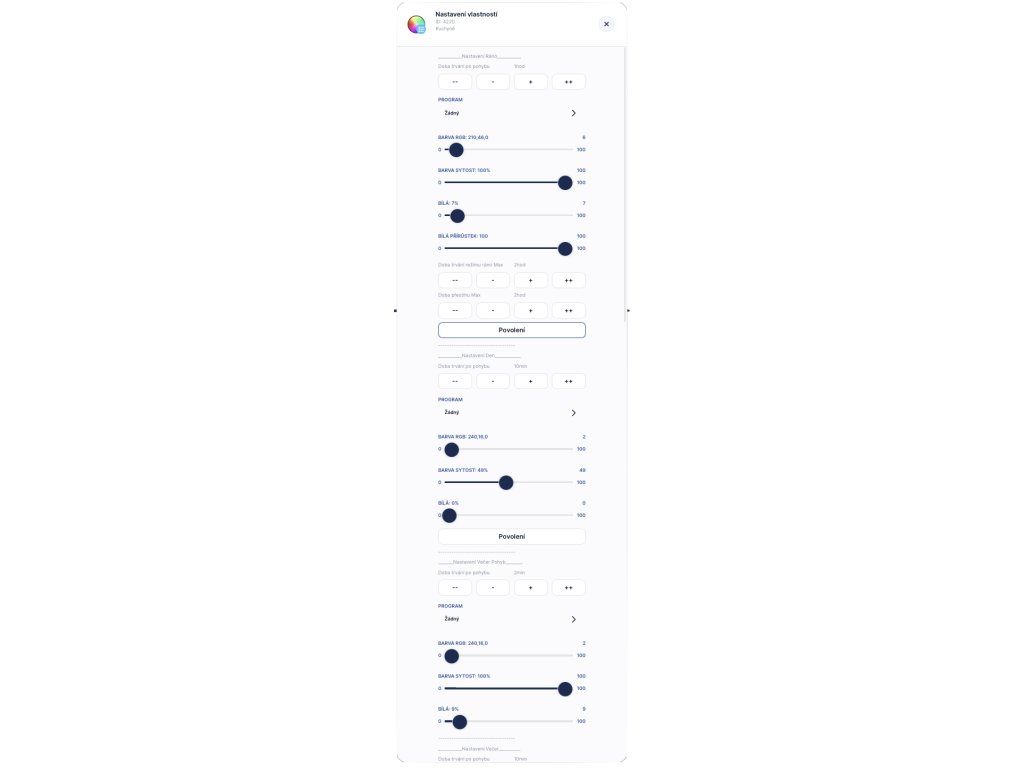


💡🎨 QA Light Control RGBW
QA Light Control RGBW is an extended version of the application for comprehensive lighting management. In addition to standard switching and dimming, it provides full control over color (RGB) and white channel (W).
It ensures the right atmosphere for every situation – from bright working light, through color accent for TV viewing, to launching light programs from Z-Wave devices.
The application is fully integrated into the SHE (Smart Home & Energy) system and intelligently cooperates with sensors, profile management and multimedia.
💼 Business Presentation
Solution for perfect color atmosphere and automation. The application dynamically changes the intensity, color and behavior of lights based on whether it is morning, evening or night.
The system automatically detects what color and intensity the lights should have, or whether to turn off due to active TV. Unlock the full potential of your RGBW strips and bulbs.
📊 Analysis and Data Management
For clear visualization, working with measurement history and graphs, we recommend connecting to SCADA Mervis.
🧪 TRIAL – Trial Version
Test the features of the QA Light Control RGBW application in your environment before purchase.
The TRIAL version unlocks full functionality for 2 days.
Download here: ⬇️ Download trial version
⚠️ Note
To use advanced button control (double/triple click), your Z-Wave devices must be configured correctly. The application is fully compatible and optimized for FIBARO FGMS00x (Motion Sensor) sensors. Ambient light level (Lux) is only measured when lights are off to prevent measurement errors from the lights themselves.
⚙️ Key Features
✅ Smart and colored light scenes
- Adaptive scene settings based on time of day (Morning, Day, Evening, Night)
- RGBW Control: Ability to select a specific color or white temperature for each time of day
- Z-Wave Program Support: Launching built-in effects (animations) directly from the RGBW controller
- TV Mode: Automatic scene change (dimming/color) when the TV is turned on
- Door Open Mode: Automatic scene change when the door is opened (optional)
- Intelligent light detection: Eliminating sensor interference from the lights themselves
- Response to motion and ambient light intensity
- Support for gesture control on the switch (Click, Double Click, Triple Click)
- Advanced "Sun" logic: Activating lighting based on sunset/sunrise with offset and hysteresis
✨ Typical Uses
- Automatic dimmed lighting (e.g., red or warm white) on motion detection at night
- Creating a color "cinema atmosphere" immediately after turning on the TV
- Signaling house status through light color
- Launching a light effect (e.g., fireplace, storm) during relaxation
- Different light behavior when detecting motion (high intensity/white) and after motion stops (dimming/color)
- Cooperation with global profiles: House in "Sleep" mode adjusts RGBW strip behavior to orientation lighting
🔌 Operating Conditions
- RGBW controllers, dimmers or switches integrated in the system
- Motion and light sensors (Lux) in the given zone (FIBARO FGMS00x recommended)
- Door opening sensors in the given zone
- Correctly configured Z-Wave controller parameters
- For advanced bindings – additional SHE applications (QA Profile Control, TV Application)
🧰 Configuration and Setup
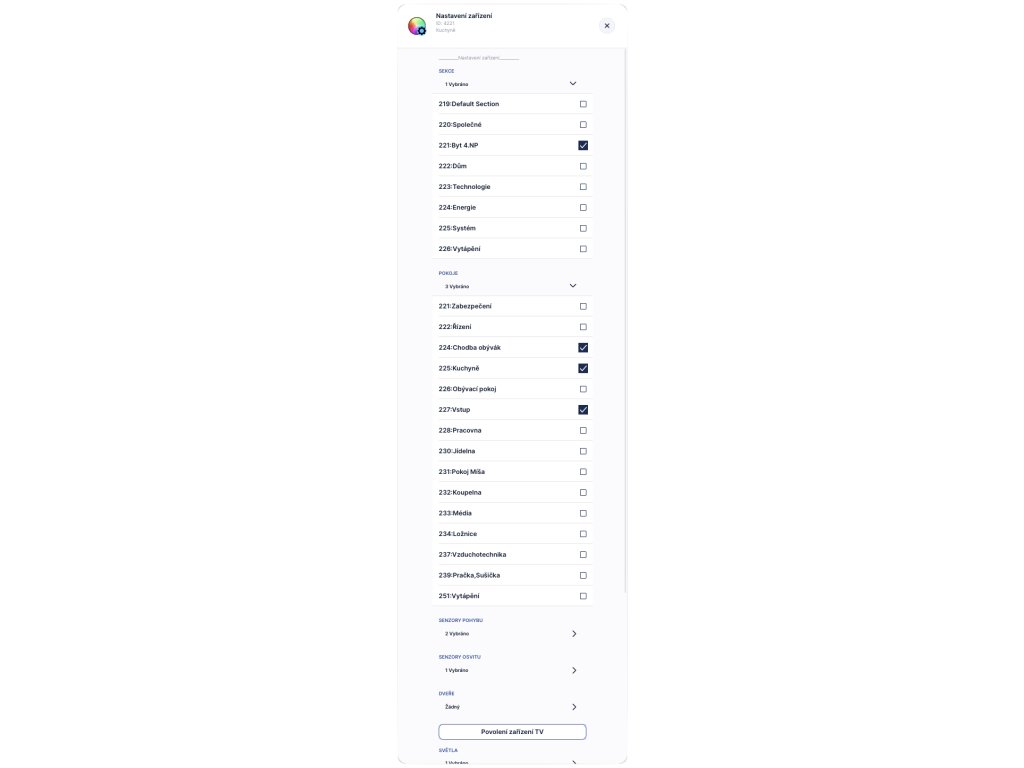
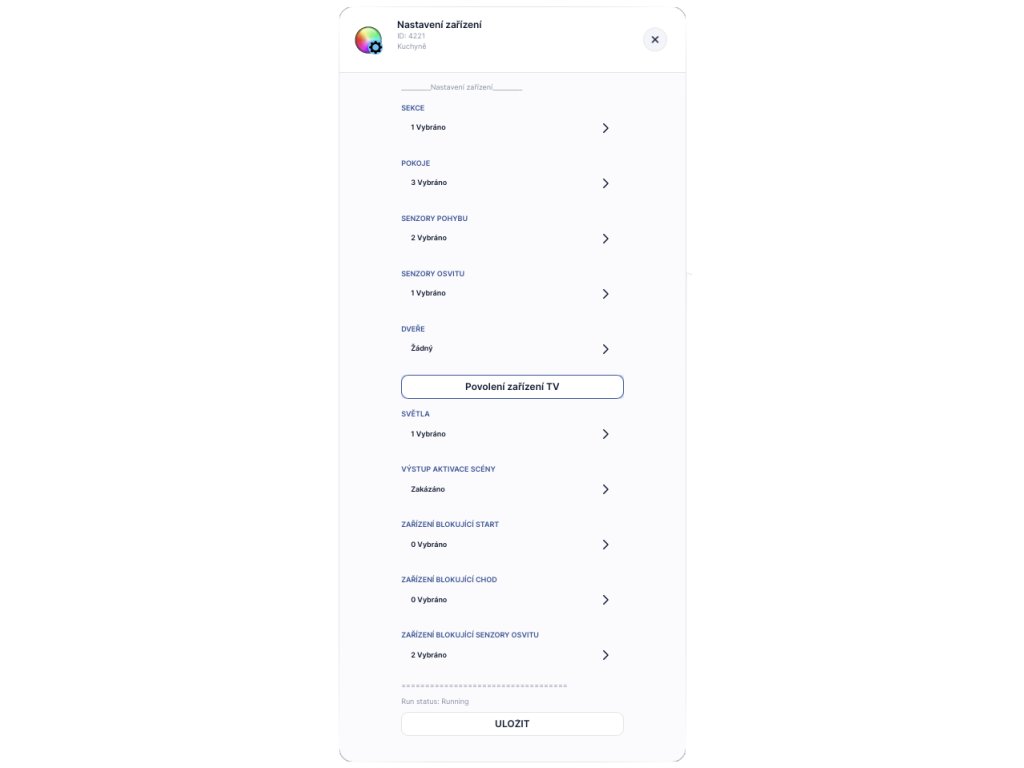
- Hierarchical element selection: Section -> Room -> Device (RGBW/Dimmer)
- Detailed configuration of behavior and colors for: Morning, Day, Evening, Night
- Option to select program ID (animation ID) for specific scenes
- Setting times for full brightness and transition effects
- Defining light limits for automatic switching
🌍 Language Sets
🇨🇿 Czech 🇬🇧 English

Be the first who will post an article to this item!